Windows Installer from arduino.ccStart Git GUI and run through the following steps:
Clone Existing Repository
C:/Users/[YOUR_USER_NAME]/Documents/Arduino and is listed underneath the "Sketchbook location" in Arduino preferences.https://github.com/espressif/arduino-esp32.git[ARDUINO_SKETCHBOOK_DIR]/hardware/espressif/esp32Clone to start cloning the repository 

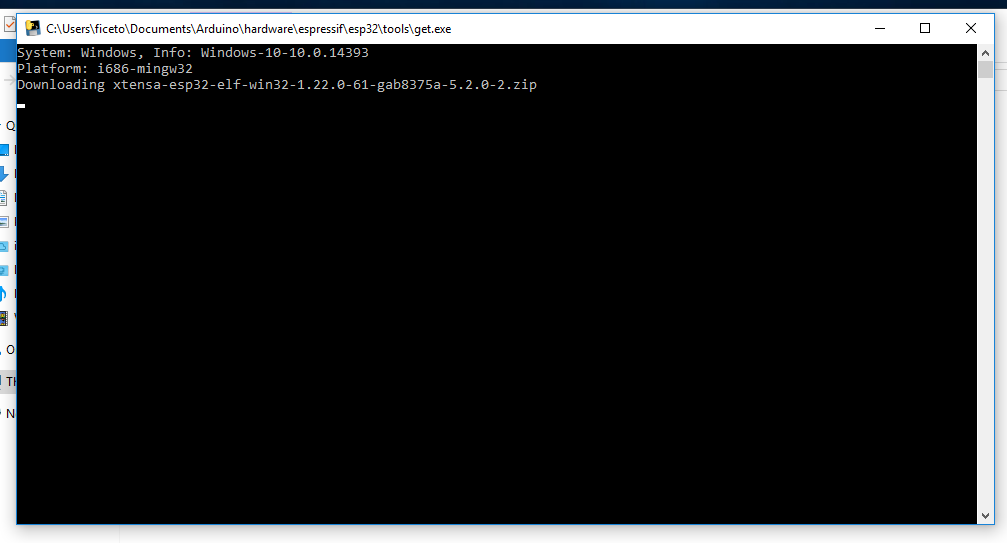
Git Bash session pointing to [ARDUINO_SKETCHBOOK_DIR]/hardware/espressif/esp32 and execute git submodule update --init --recursive[ARDUINO_SKETCHBOOK_DIR]/hardware/espressif/esp32/tools and double-click get.exe
get.exe finishes, you should see the following files in the directory
Plug your ESP32 board and wait for the drivers to install (or install manually any that might be required)
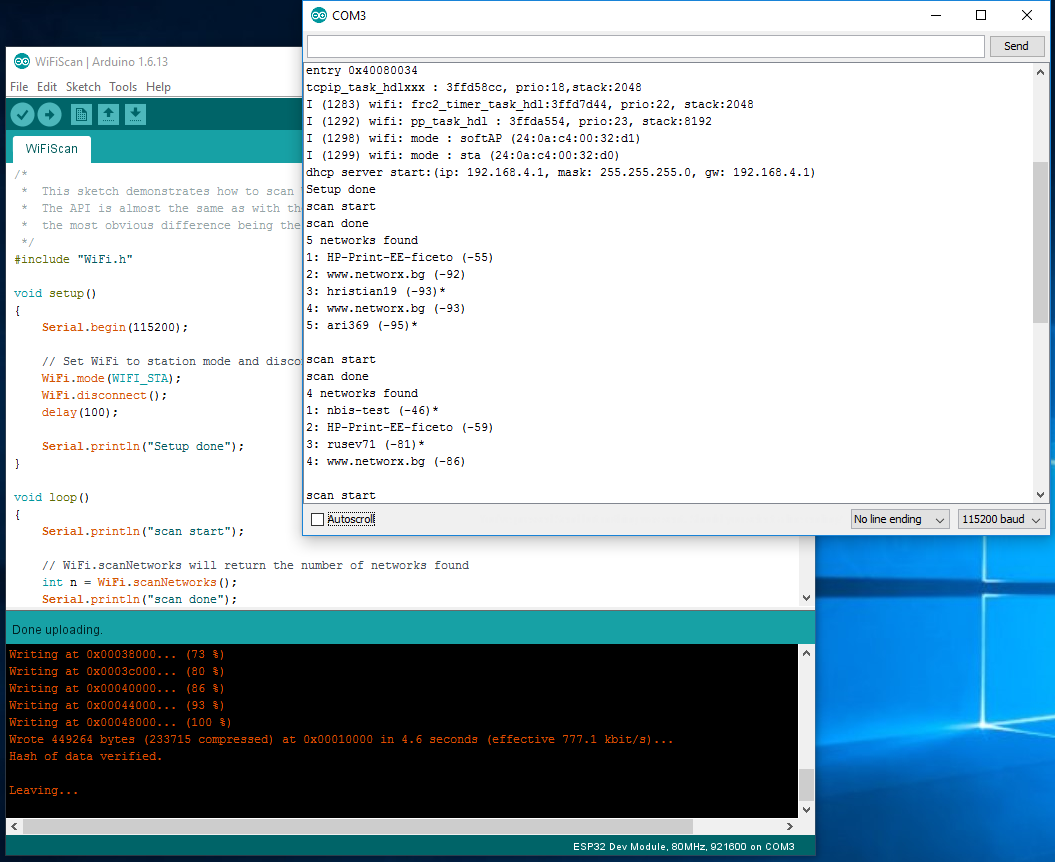
Tools > Board menuCompile and upload (You might need to hold the boot button while uploading)
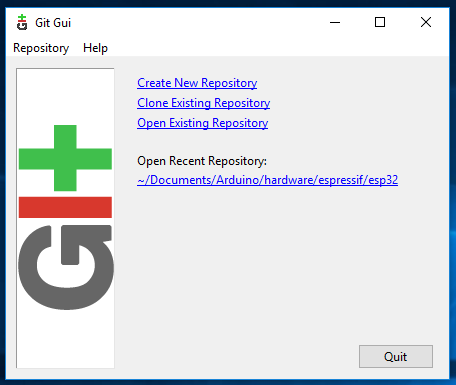
Start Git GUI and you should see the repository under Open Recent Repository. Click on it!
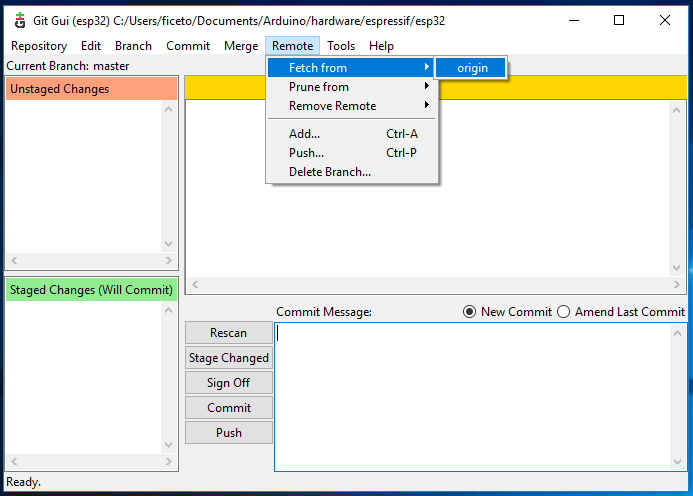
From menu Remote select Fetch from > origin
Wait for git to pull any changes and close Git GUI
Open [ARDUINO_SKETCHBOOK_DIR]/hardware/espressif/esp32/tools and double-click get.exe